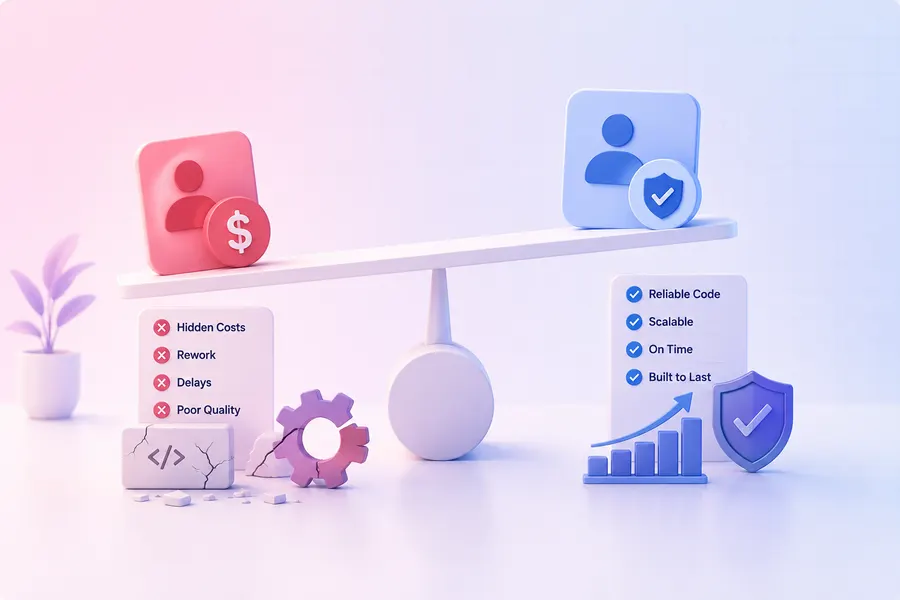

Most Salesforce "modernization" projects start with a mandate to rip everything out and start clean. That instinct is usually wrong.
We recently took on a Salesforce engagement for a mid-market client where the org had grown organically over several years — customizations layered on customizations, workflows built by different admins with different conventions, and a sales team that depended on all of it working every single day. There was no window to take the system offline, no appetite for a six-month "big bang" rebuild, and no tolerance for the kind of disruption that comes with wholesale replacement. The mandate was simple to state and hard to execute: improve it while it's running.
Why "just rebuild it" is the wrong default
Rebuilding looks appealing on a whiteboard. In practice, a from-scratch Salesforce rebuild for an org that's actively driving revenue means asking a sales and operations team to relearn their tools mid-quarter, re-validate every report and dashboard leadership relies on, and accept a stabilization period where things are worse before they're better. For a lot of orgs, that trade-off never pays for itself.
The better question isn't "how do we replace this system" — it's "which parts of this system are actually causing pain, and which parts are just inherited complexity nobody's bothered to explain."
What we did instead
We treated the engagement as a structured, time-and-materials backlog rather than a fixed-scope rebuild — deliberately, because a legacy org under active use doesn't reveal its real priorities upfront. You find them as you work.
Cataloging before touching anything
Every customization, automation, and workflow was documented and understood before it was changed. You can't safely modify what you haven't mapped.
Sizing and sequencing transparently
Each backlog item was estimated and tracked individually, so priorities and progress were never a black box.
Fixing root causes, not symptoms
Several of the biggest pain points were automation conflicts invisible in isolation — a common failure mode in orgs built from many small, disconnected changes.
Shipping incrementally, in production
Changes went live and were validated against real usage — no staging-environment fiction that hides integration problems until go-live.
The actual lesson
Legacy doesn't mean broken. It means undocumented. Most of the value in a modernization engagement like this isn't writing new code — it's building an accurate model of what the system currently does, so you can make deliberate changes instead of guesses. The teams that get burned by Salesforce "improvements" are usually the ones who skipped that step and changed things based on how the system should work rather than how it actually works.
Is your CRM a system nobody fully trusts anymore?
If your Salesforce org has been alive for a few years and every change feels risky, that's not a sign you need to start over. It's a sign nobody's mapped it in a while. We can help.